Introduction
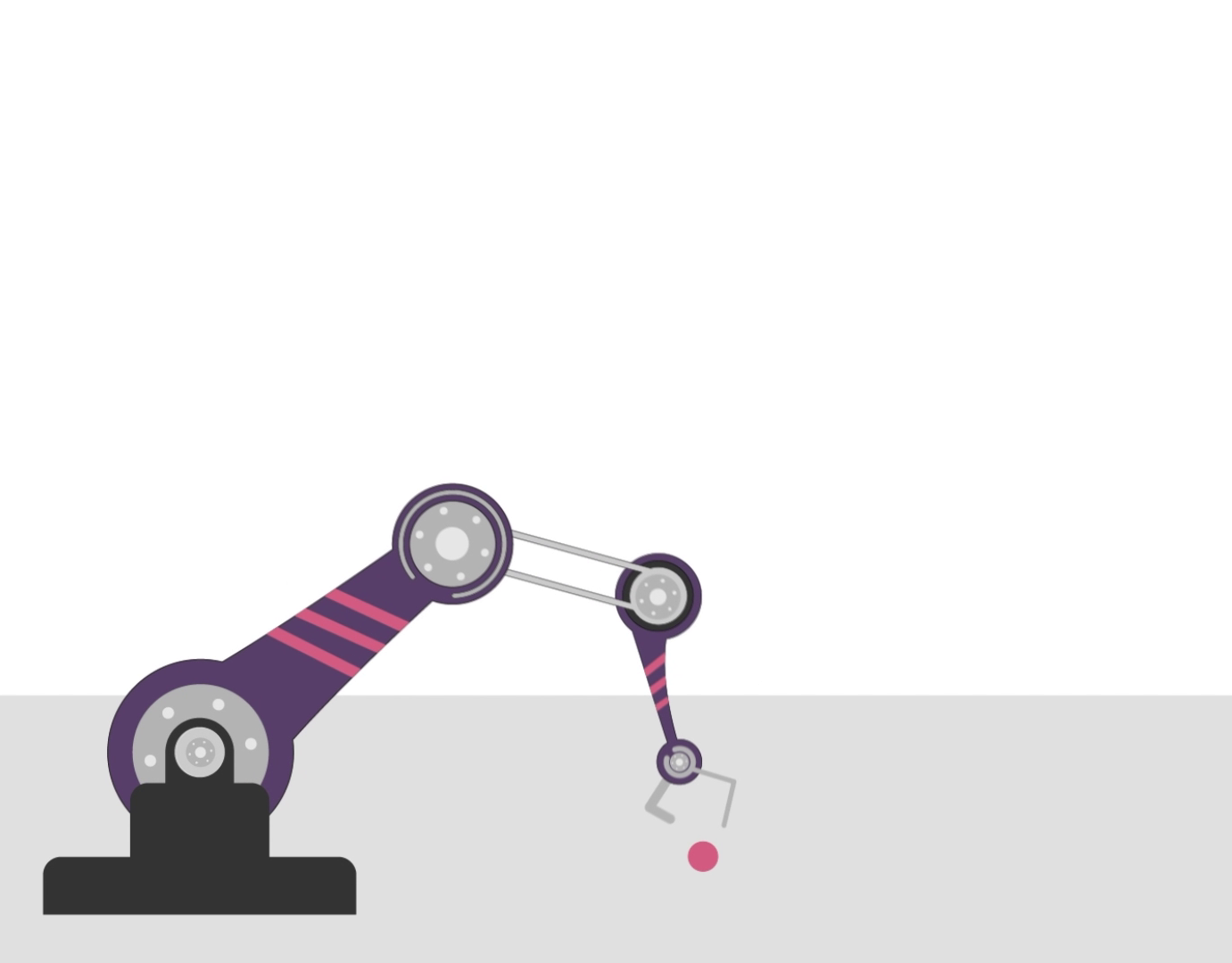
This is a short animation of a robot character flying down a hallway in its spaceship. I created it for a class at my community college in 2022. Its purpose was to demonstrate using IK (Inverse Kinematics) for character animation, as well as modeling a basic robot, tech hallway, and greebles in Cinema 4D.
Production
There wasn’t much to plan, as I moved right into the project after my instructor challenged my classmates and I to create a robot and then the tech hallway. This portion was completed in 2 weeks, involving modeling, animation, and rendering. My instructor laid out the workflow for modeling the robot and adding materials, and I followed his instructions closely. First, I modeled the robot, added materials and textures, and rigged it using IK chains. After that, I modeled the tech hallway, starting with the panel and greebles. The panel was simple enough, as it only required a few cube objects, beveling, and a cloner. To make the greebles, I applied a few cuts and extrudes. Following this process, I finished with the hallway itself. To summarize, I made a single block, applied a series of cuts and extrudes, and applied several copies of the greebles, scaling them. Finally, I dropped it all in a cloner object and bent the hallway to make the curve. I created a sample animation as a preview, rendering it in the Viewport Renderer. The video was originally rendered in the Viewport Renderer because we moved on quickly to other assignments in that class. Later on, I decided to make a few changes, some of which include using a higher-quality renderer, adding sound effects to make it much stronger, and changing the materials on the robot because they were highly reflective before.
Re-rendering the scene with the Standard Renderer took a grueling 37 hours, and it was worth it.
Re-rendering the scene with the Standard Renderer took a grueling 37 hours, and it was worth it.
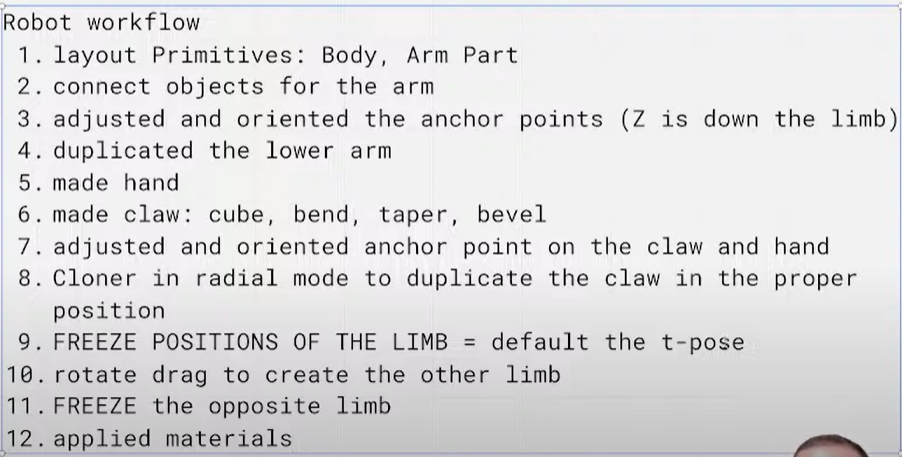
Robot Modeling Workflow
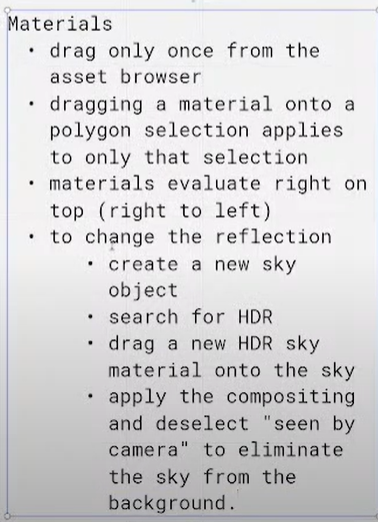
Robot Materials Workflow
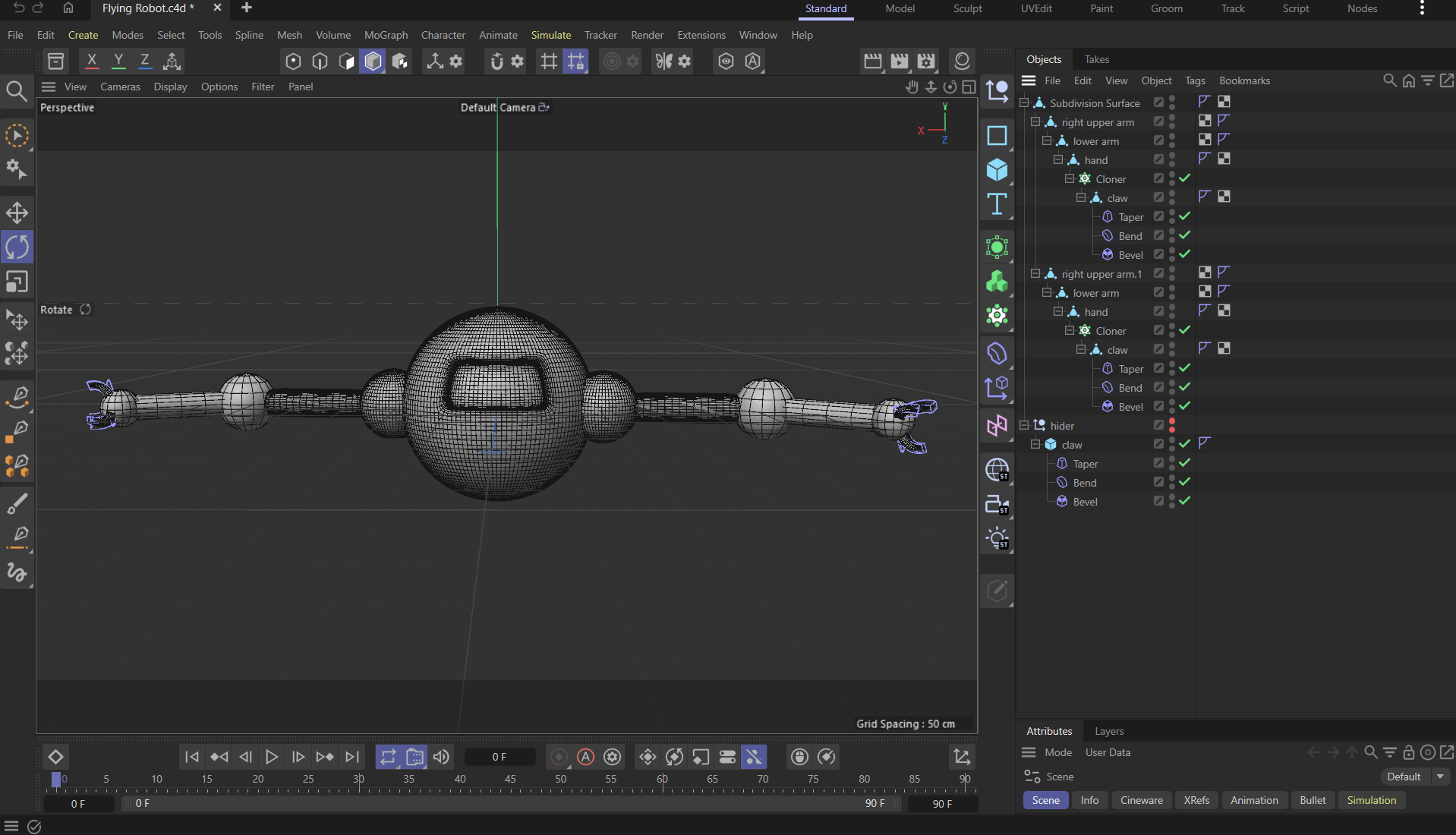
Robot w/ Gouraud Shading (Lines)
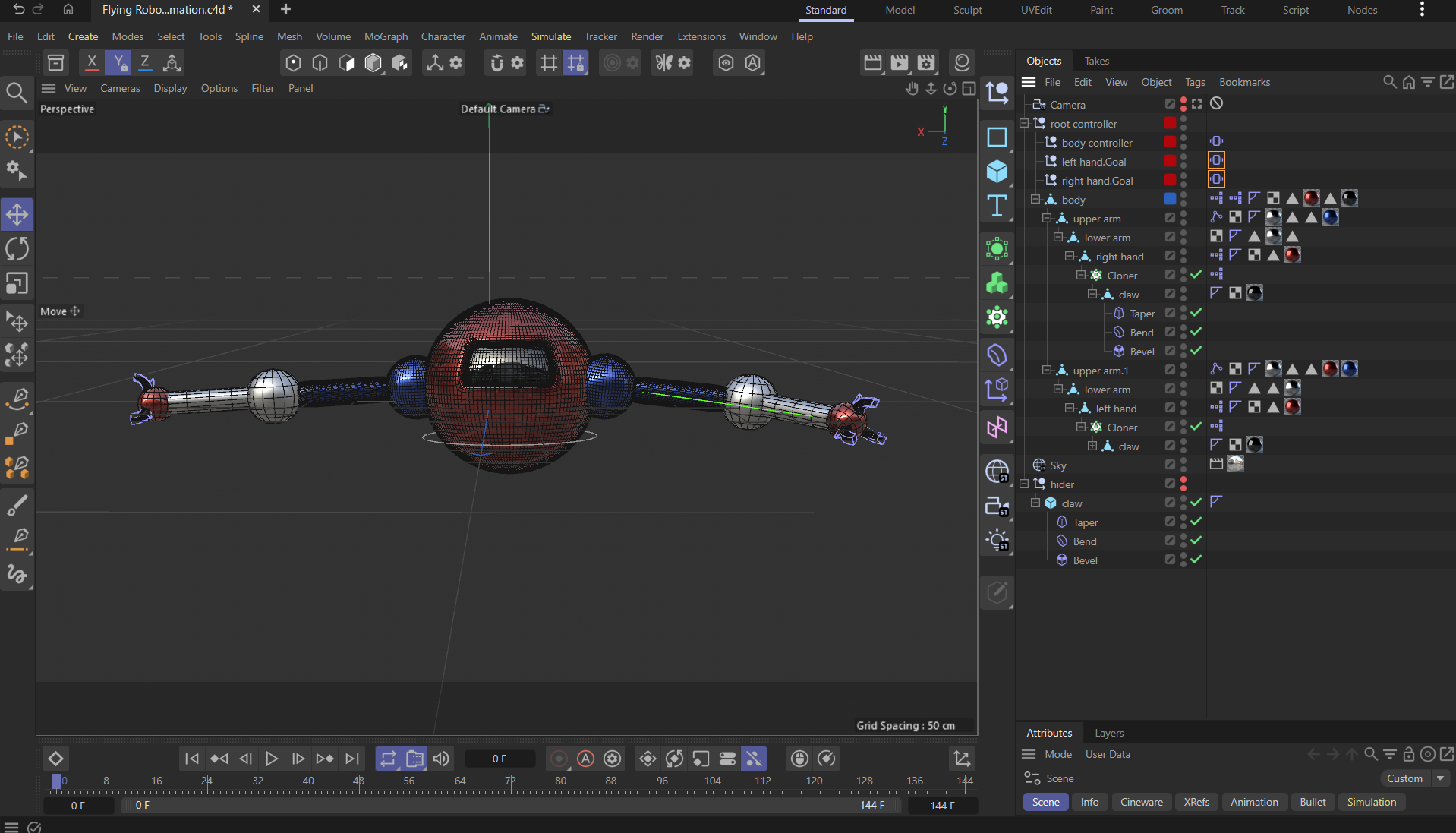
Rigged Robot w/ Materials Applied
Sample Robot Animation
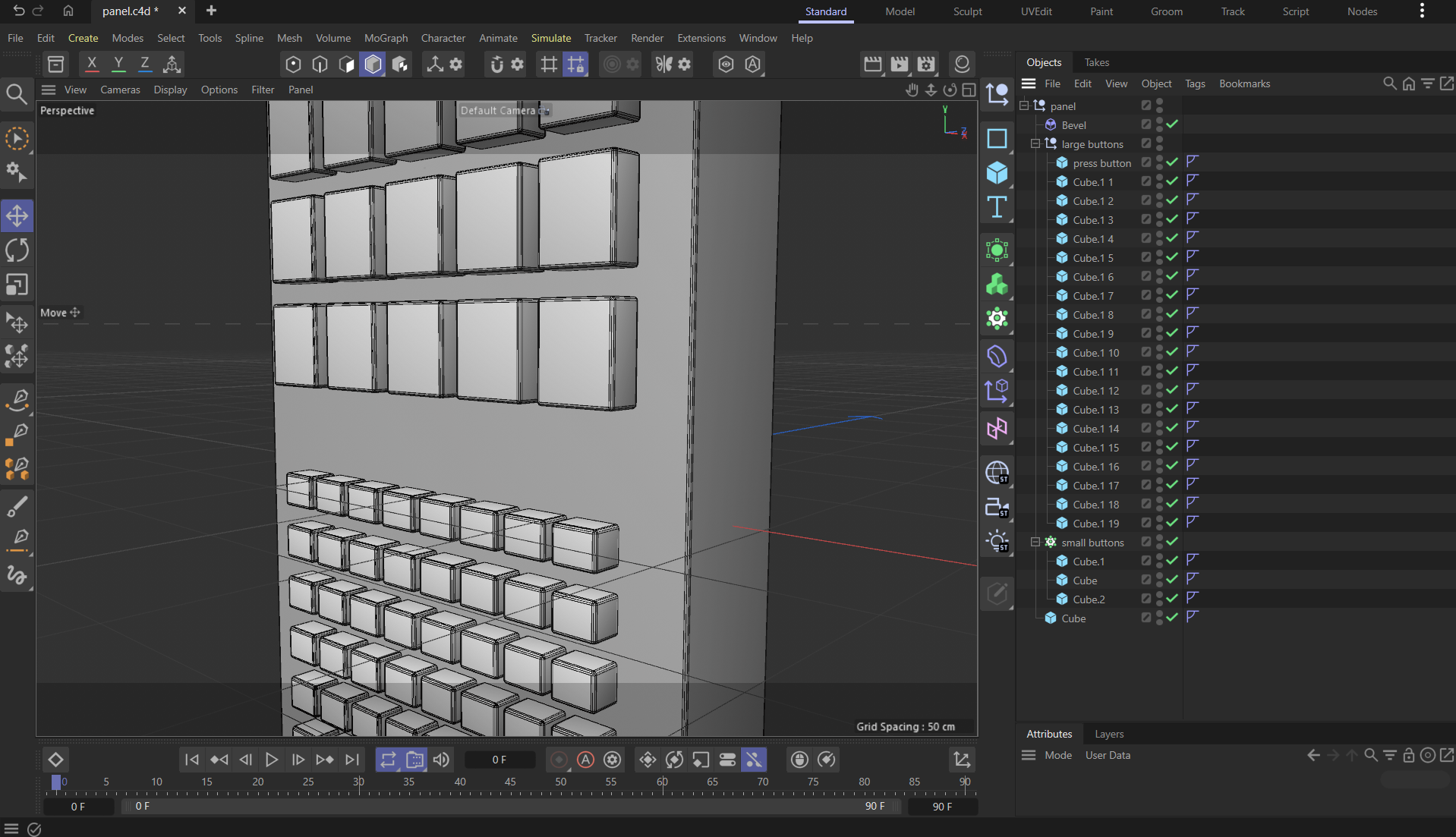
Panel w/ Gouraud Shading (Lines)
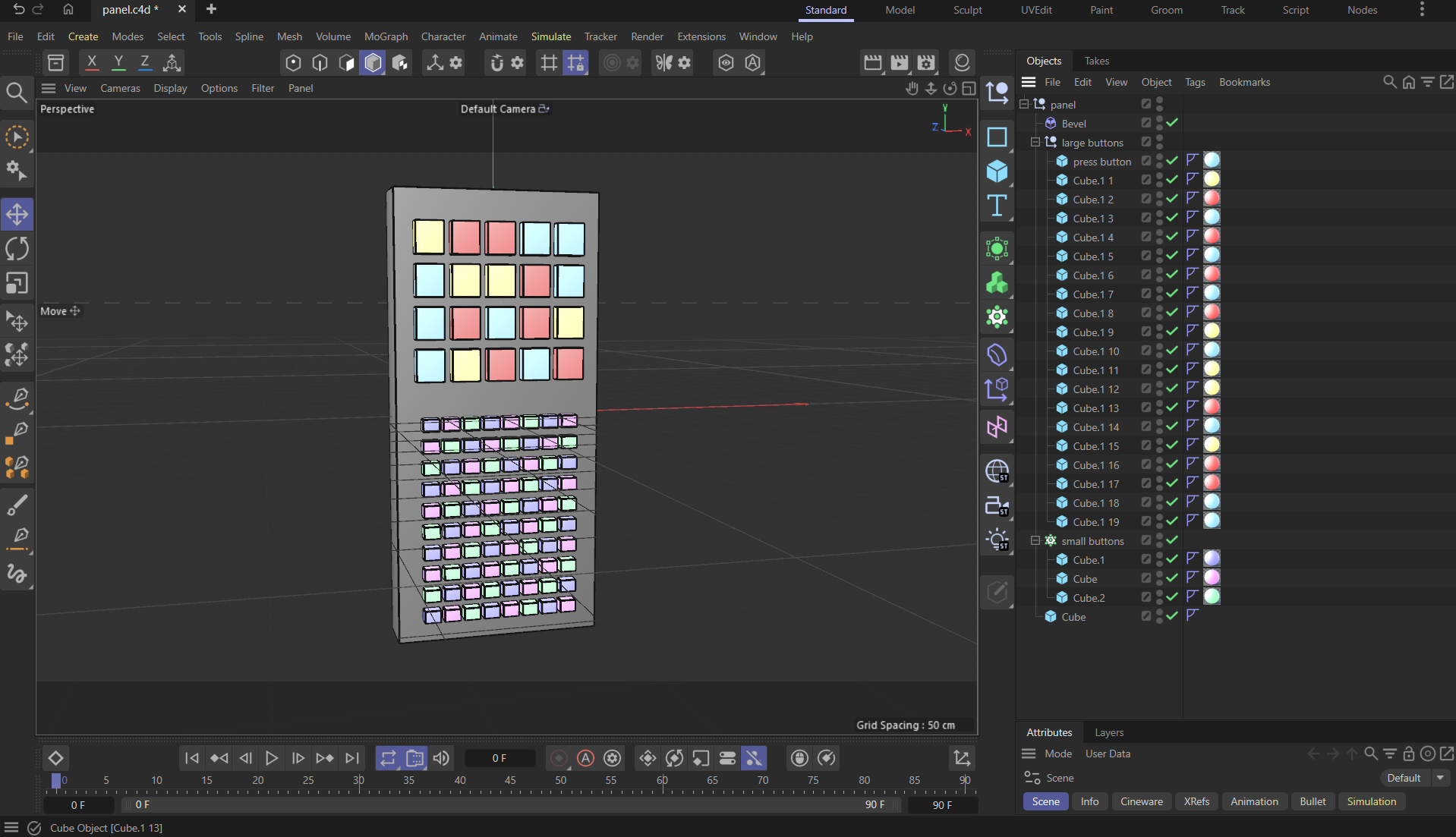
Panel w/ Materials Applied
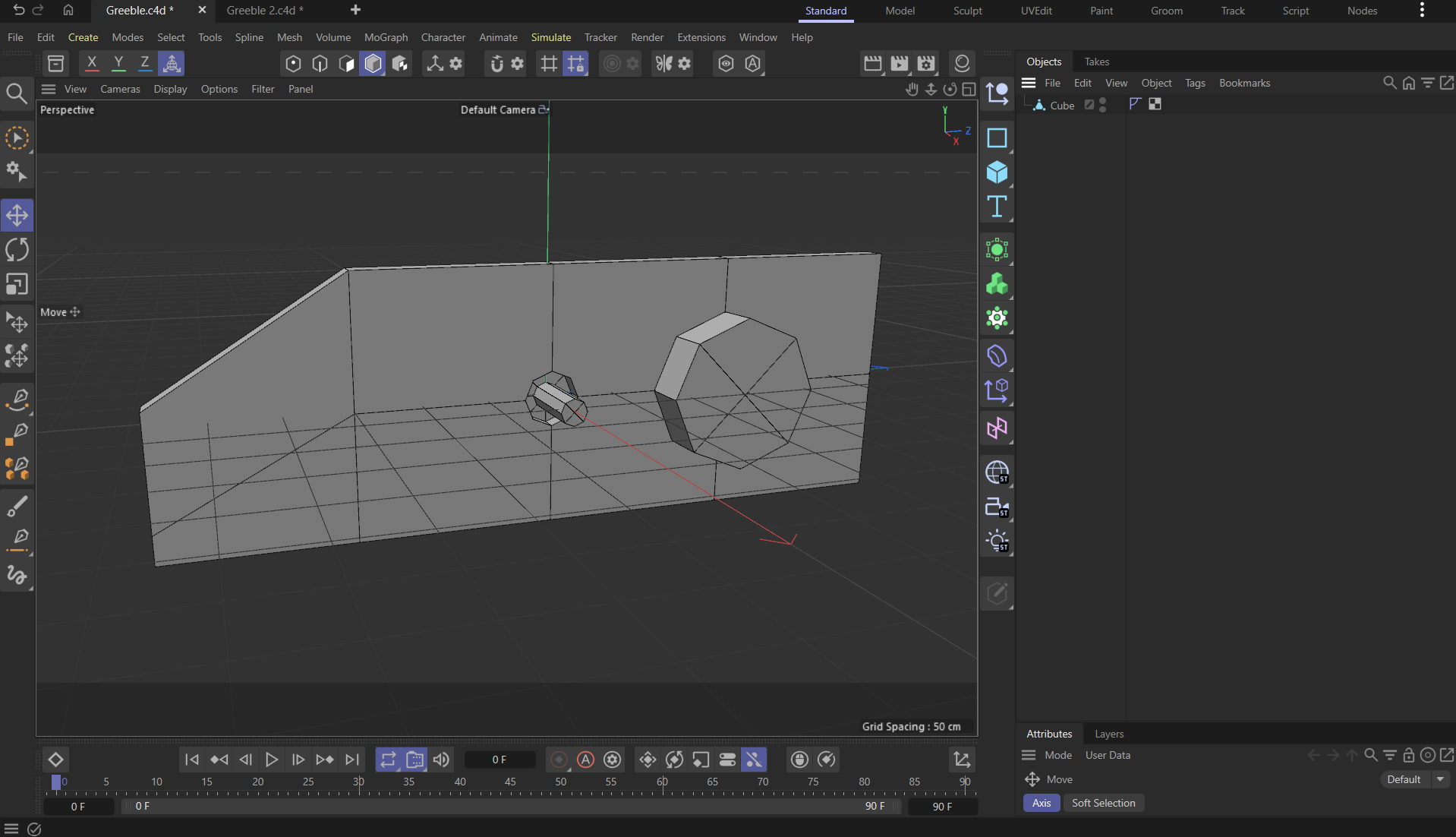
Greeble 1
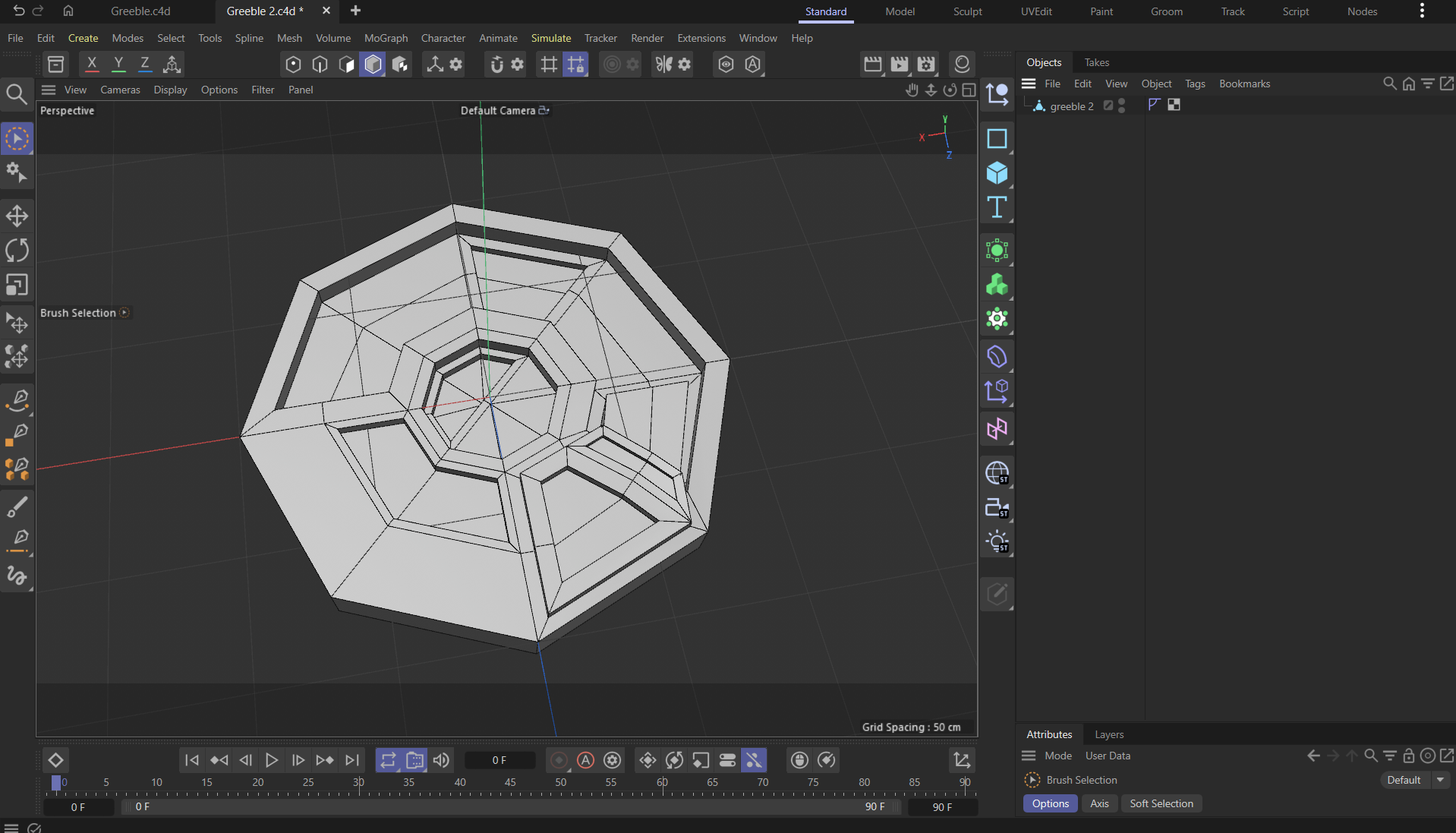
Greeble 2
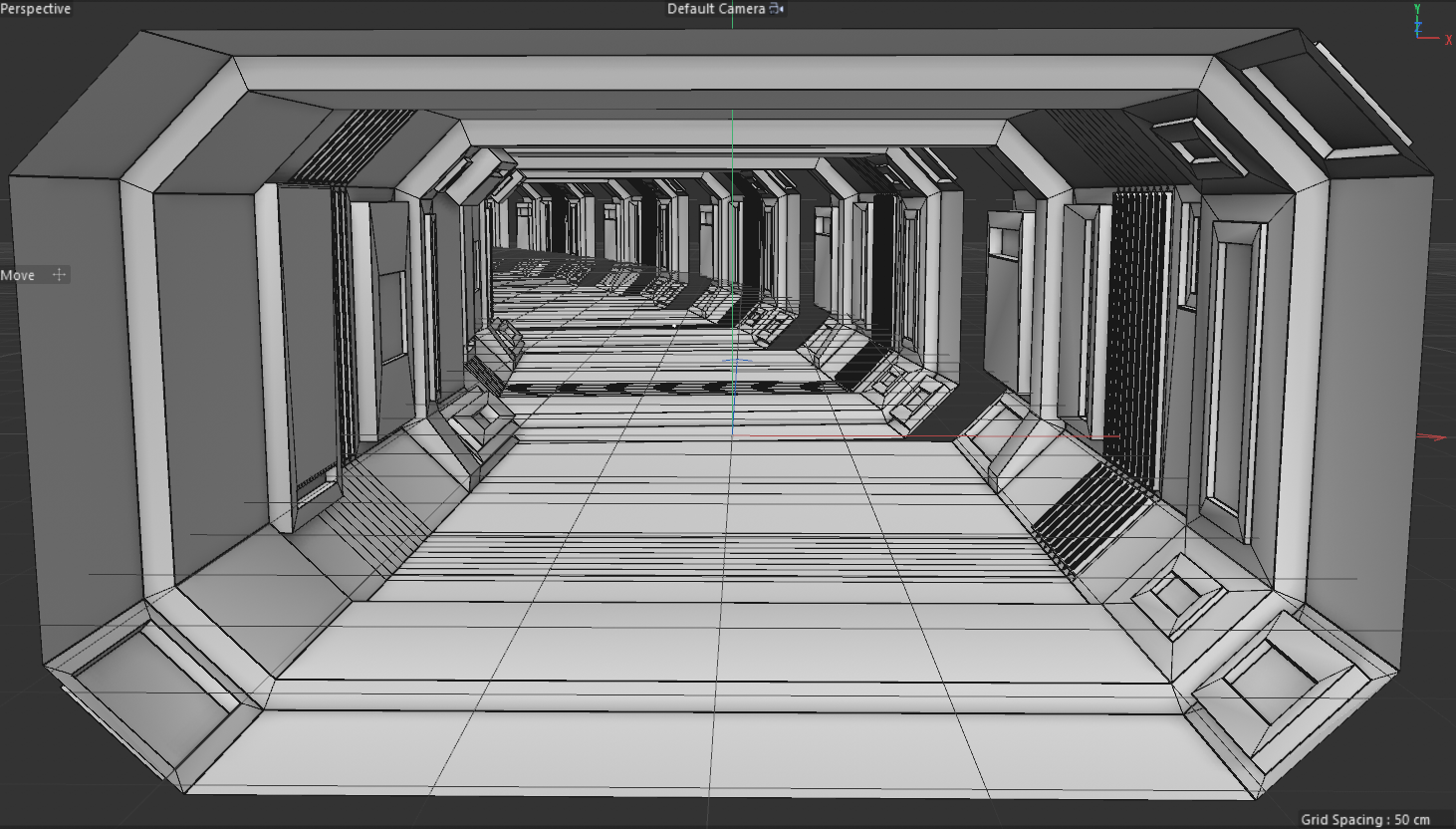
Spaceship Hallway w/ Gouraud Shading (Lines)
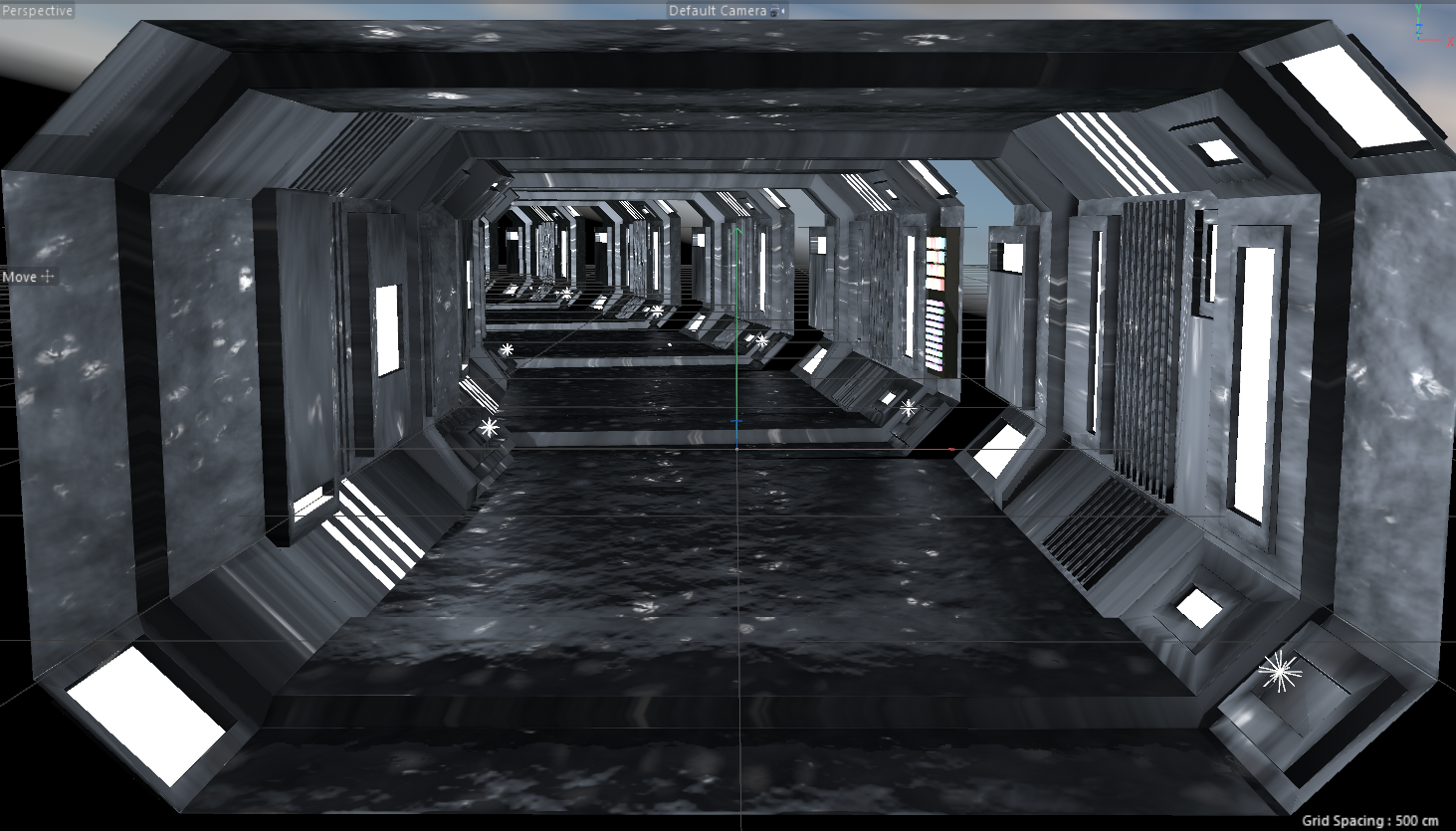
Spaceship Hallway w/ Materials Applied
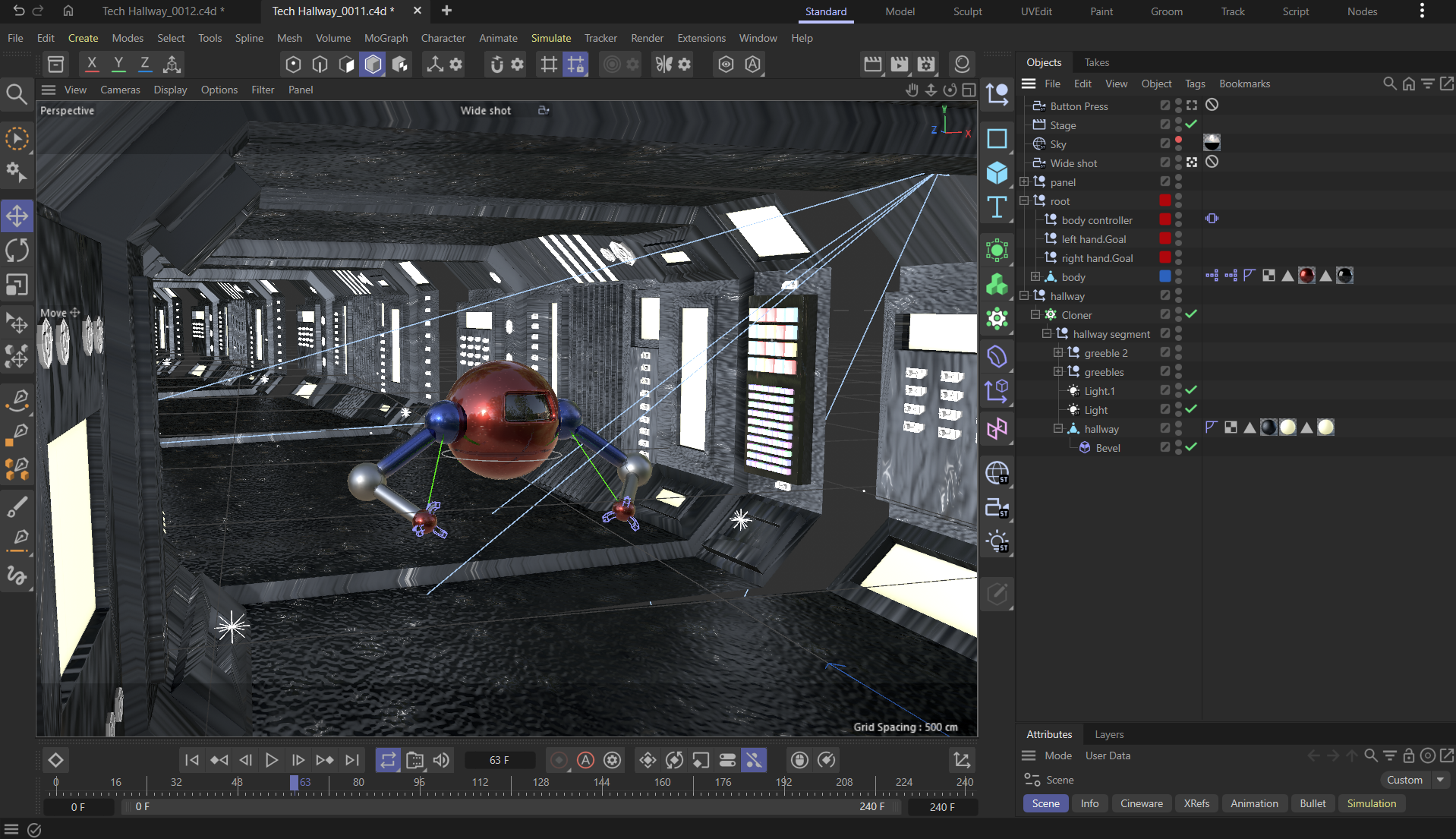
Original Scene Setup
Preview Animation
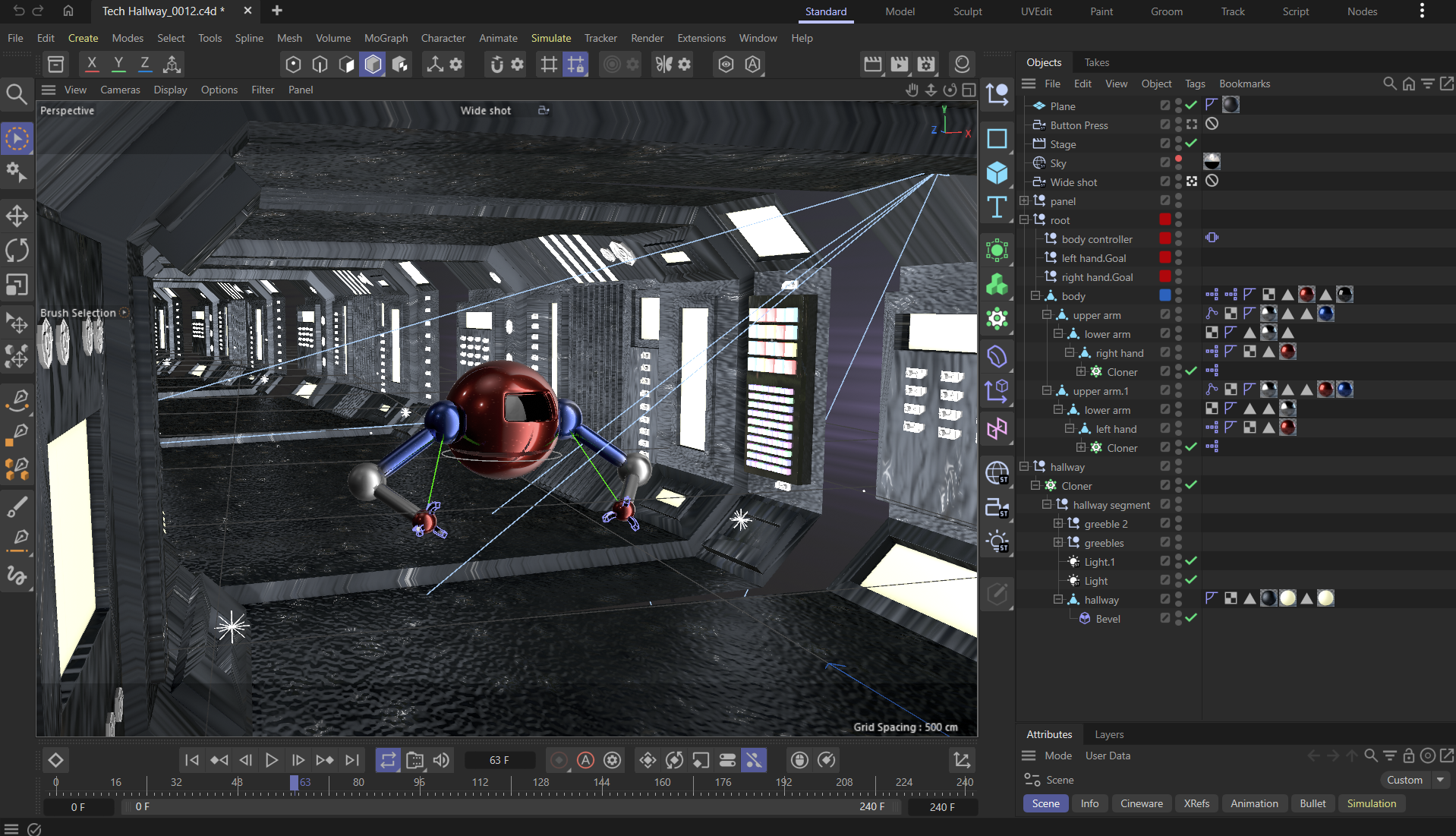
Final Scene Setup
Post-Production
After rendering the scene into a PNG sequence, I imported the image sequence into After Effects and edited it, adding sound effects. I found great ones for the robot’s flying and movements, as well as the ship’s ambience and whirring. I used knowledge of space sounds and machinery from film and TV, like Star Wars, to select the sound effects. Also, I used my knowledge and skills in perspective to cut between the close-up shot and the wide shot.
Final Video
SFX via Pixabay: freesound_community, freesoundeffects, Placidplace, and ShidenBeatsMusic