Introduction
This project shows the process of creating a brief explainer video featuring facts about ladybugs. The purpose of this project was to use Illustrator and After Effects to demonstrate my skills in 2D animation and motion graphics, as well as voiceovers and sound design.
Planning
I was tasked with choosing a creature to make an explainer video about. I chose ladybugs because they were one of my favorite bugs as a kid. I began planning by deciding what scenes I would how and therefore what assets I would need for the project: facts, a script, and the required software, Illustrator and After Effects.
Production
During this stage, I researched facts about ladybugs online. Next, I wrote them down, condensing them into a short, concise script. Then, I recorded my voiceover using the default recording app on my laptop. I tried to use a good amount of inflection in my voice to avoid sounding monotone and uninteresting.
After recording my voiceover, I found top and side reference images of ladybugs online and imported them to Illustrator for tracing. Using the Pen tool, I traced important shapes on the top view reference image, such as the wing, dots, antennae, and legs. Then, I added colors, using gradients to give the illusion of shadows. Lastly, I applied masks to cleanly cut the colors to the wing shape. I only made one wing in Illustrator, as I had planned to duplicate it in After Effects later on to save time. I followed the same process for the side view reference image. After fishing the ladybug, I created and applied color to a leaf, mountains, clouds, and grass.
Once all assets were created, I imported everything to After Effects and began building the scenes and animating. First, I animated both versions of the ladybug within their own compositions, moving their legs using 2D rotation and their wings using 3D rotation. After that, I placed them into different scenes and animated them crawling or flying across the screen.
After recording my voiceover, I found top and side reference images of ladybugs online and imported them to Illustrator for tracing. Using the Pen tool, I traced important shapes on the top view reference image, such as the wing, dots, antennae, and legs. Then, I added colors, using gradients to give the illusion of shadows. Lastly, I applied masks to cleanly cut the colors to the wing shape. I only made one wing in Illustrator, as I had planned to duplicate it in After Effects later on to save time. I followed the same process for the side view reference image. After fishing the ladybug, I created and applied color to a leaf, mountains, clouds, and grass.
Once all assets were created, I imported everything to After Effects and began building the scenes and animating. First, I animated both versions of the ladybug within their own compositions, moving their legs using 2D rotation and their wings using 3D rotation. After that, I placed them into different scenes and animated them crawling or flying across the screen.
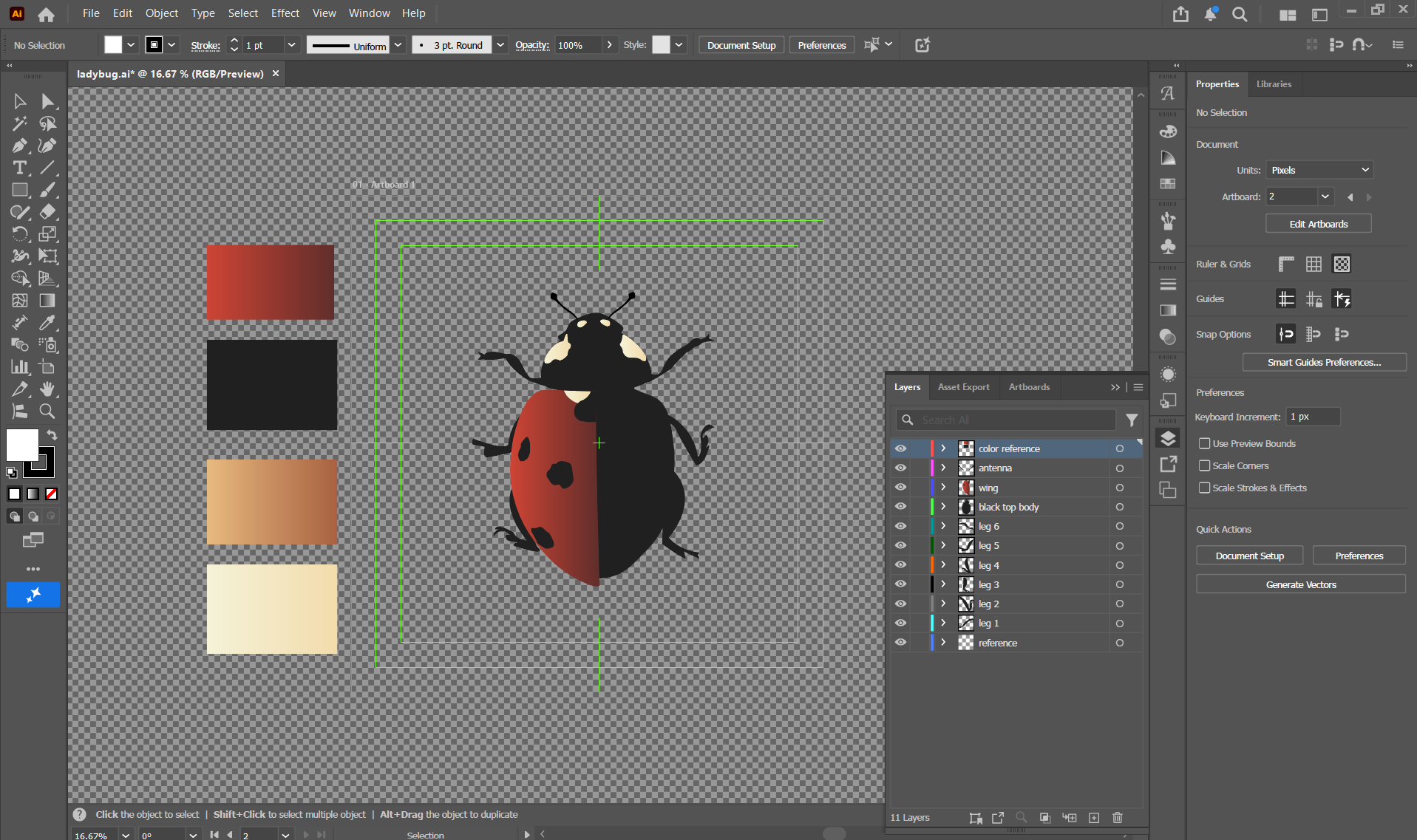
Ladybug Top View
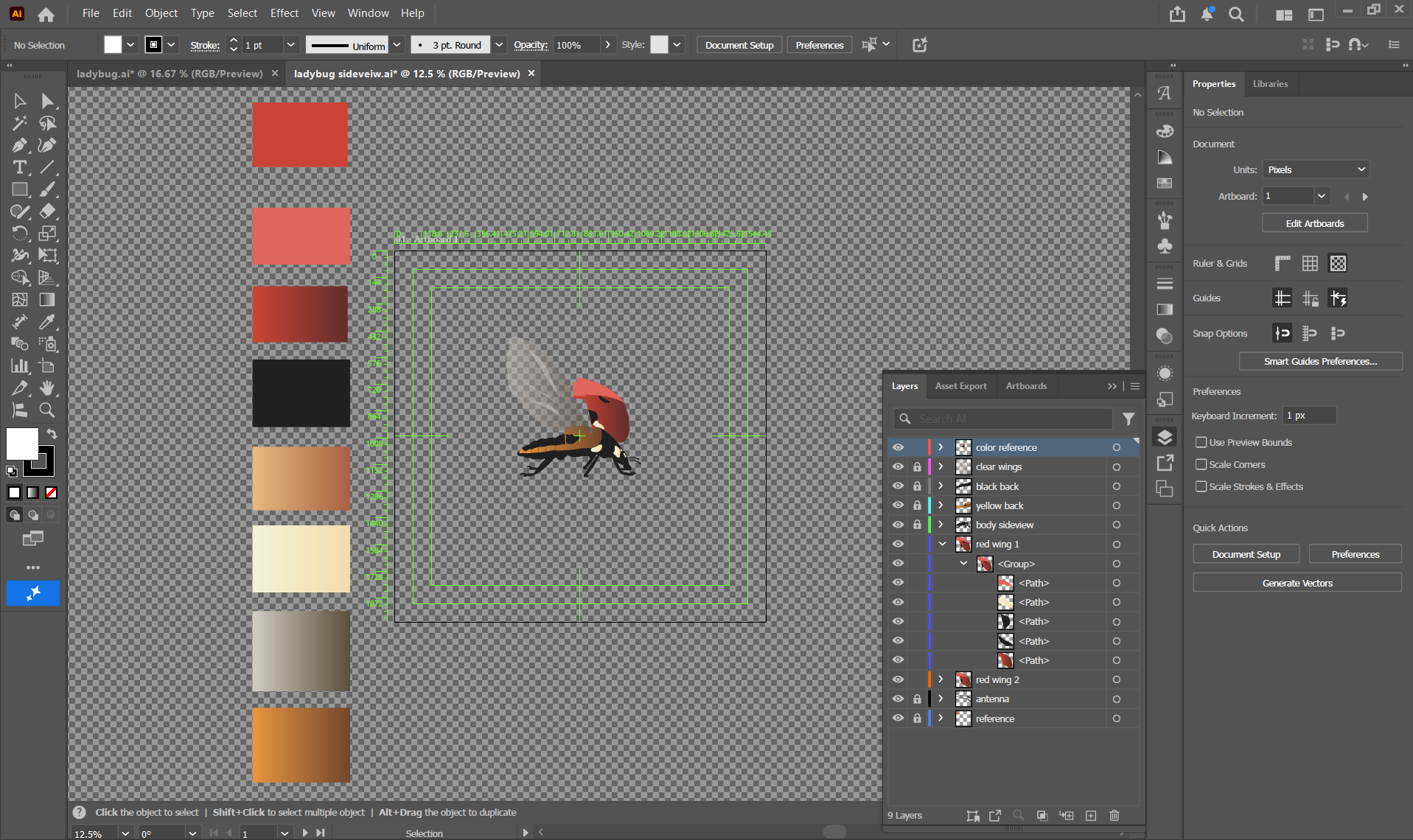
Ladybug Side View
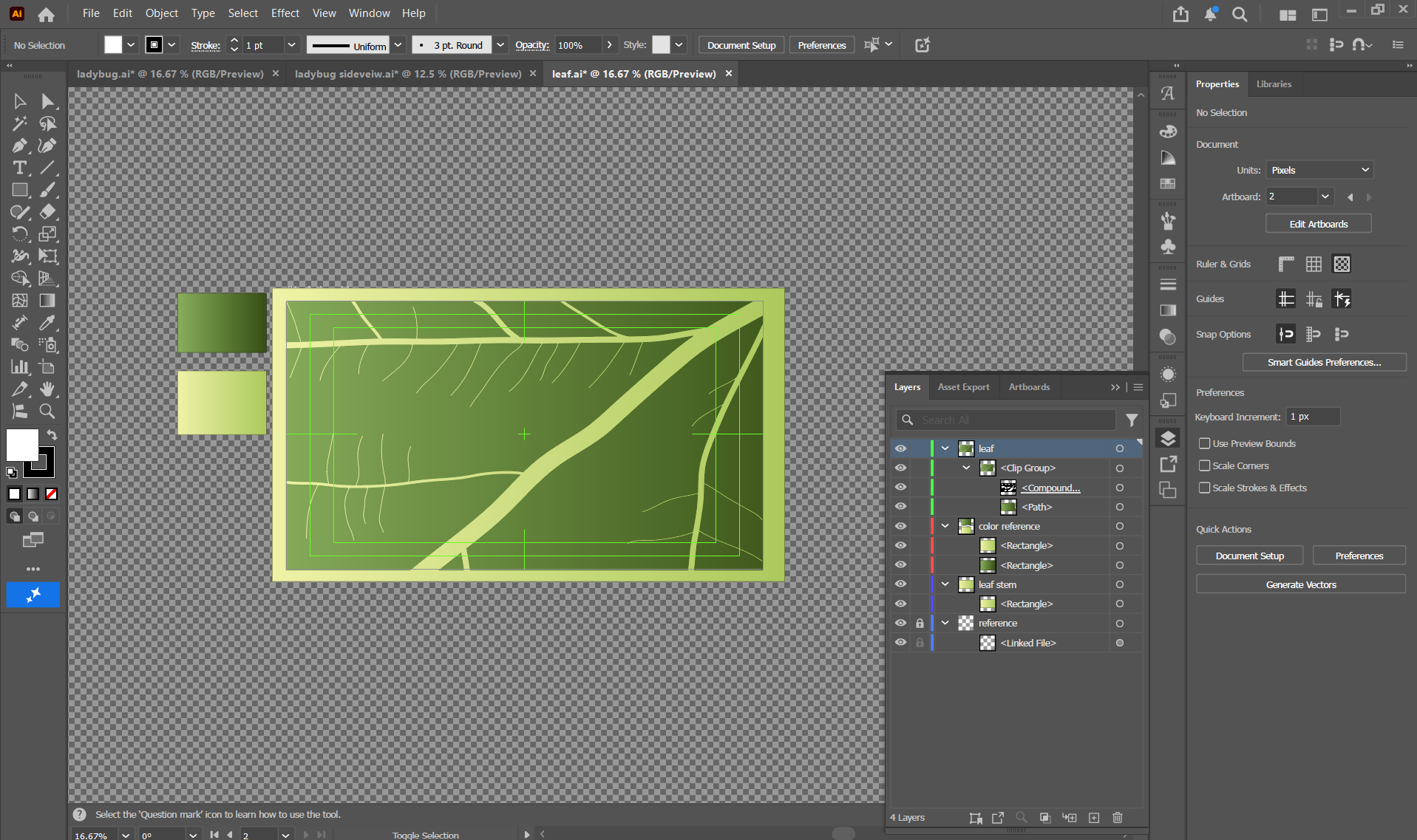
Leaf
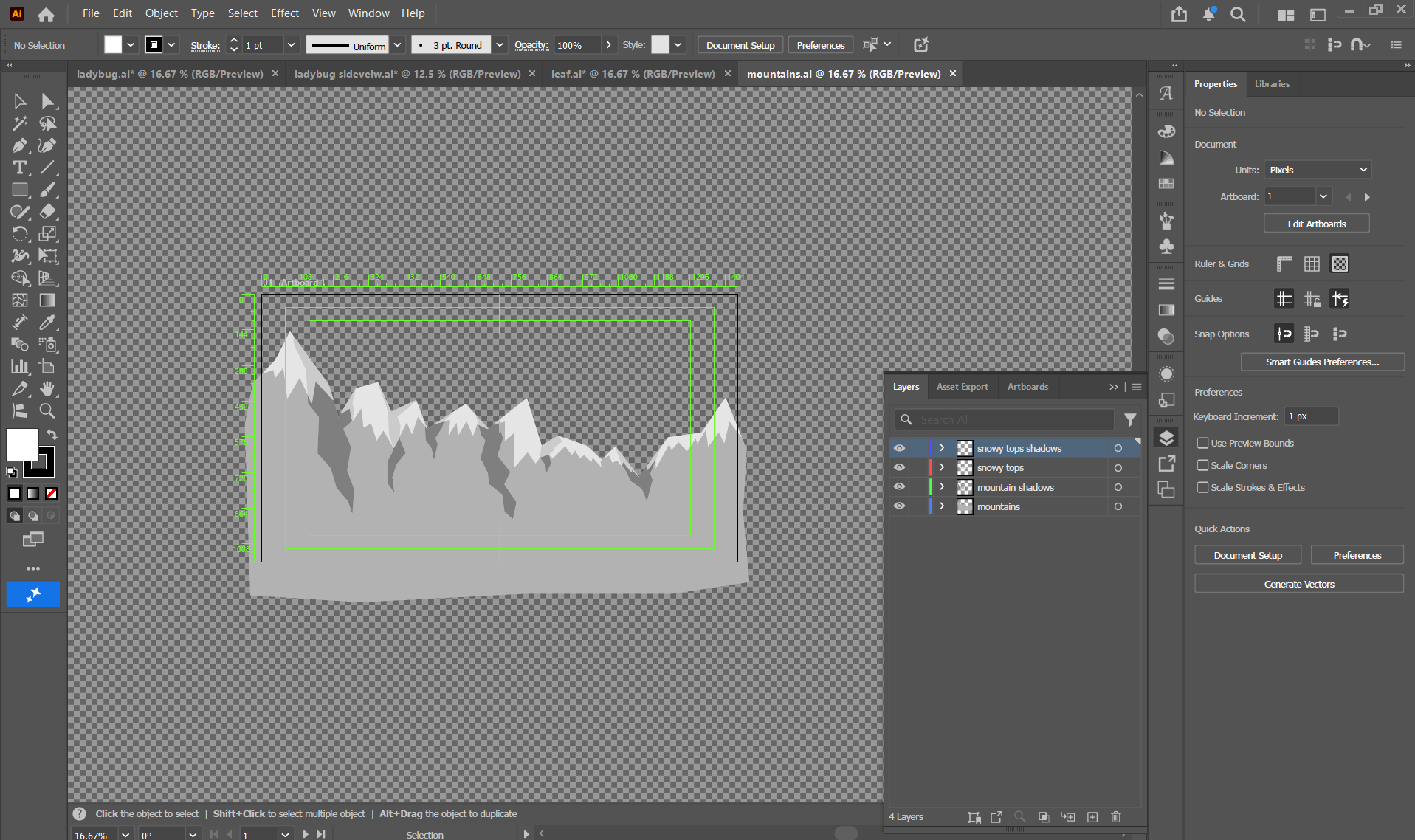
Mountains
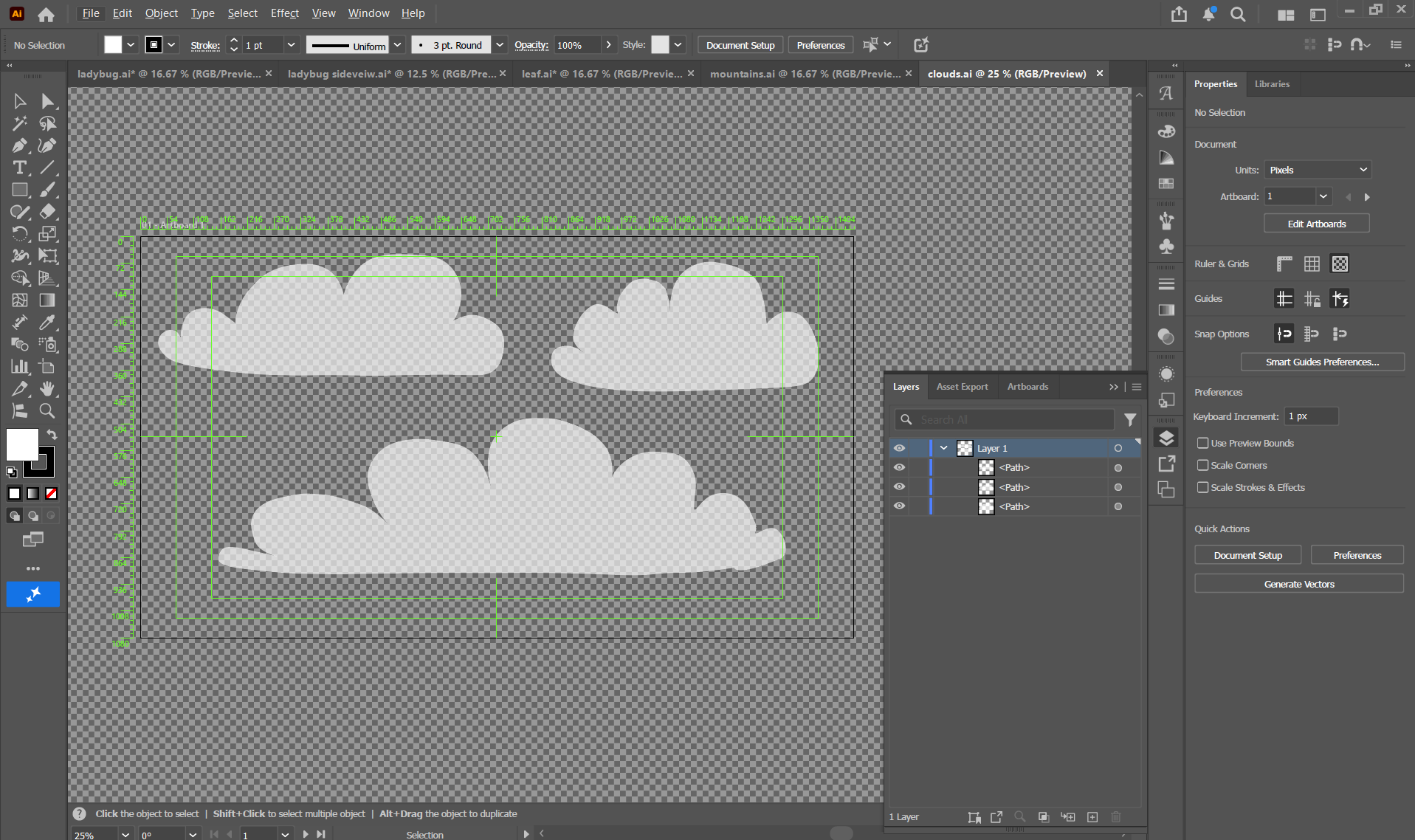
Clouds
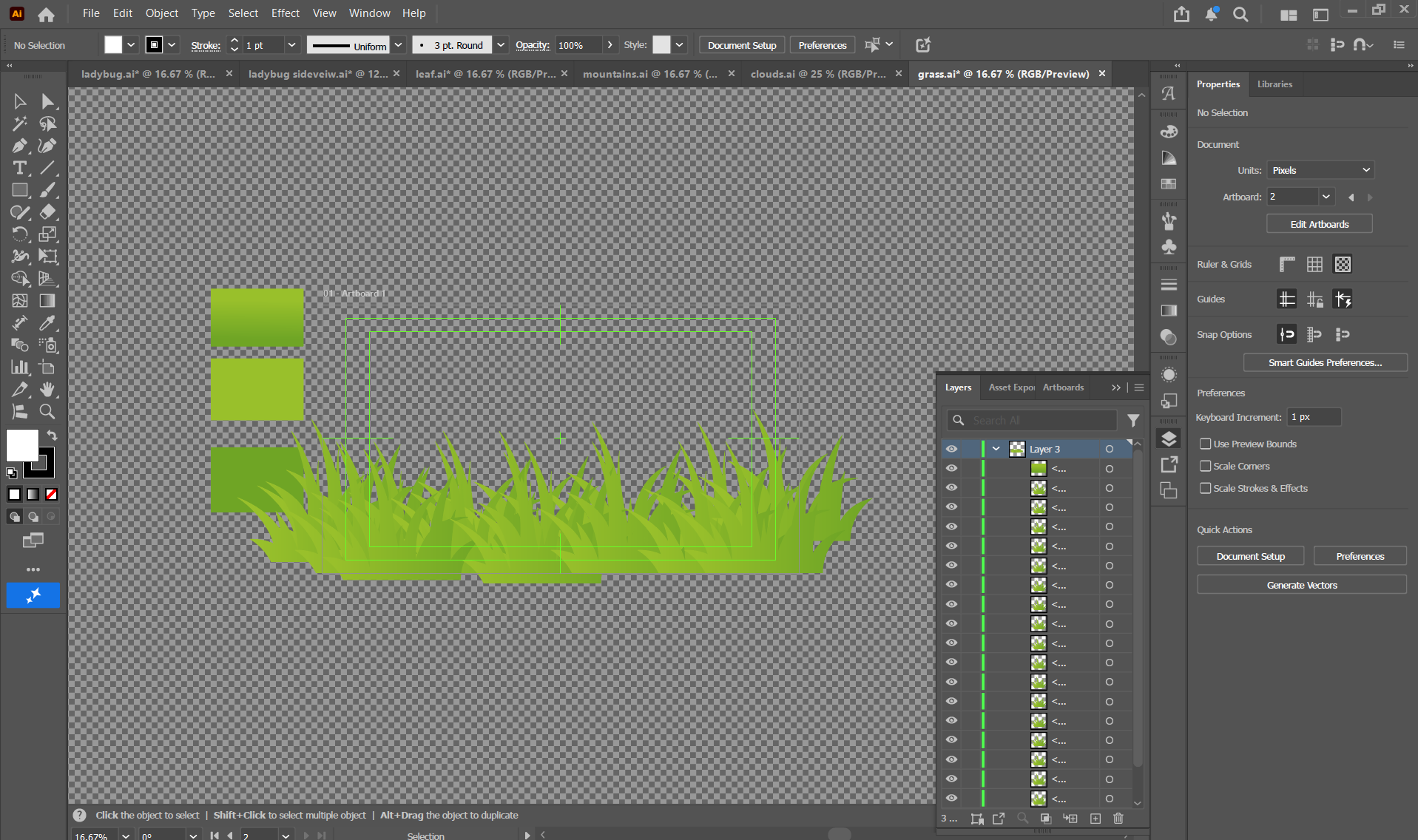
Grass
Post-Production
This stage involved editing the scenes together in one main composition, adding transitions, and adding music and my voiceover clip. This was easy because I quickly found music I liked on the YouTube Audio Library and just dropped it in alongside my voiceover. To choose the music, I looked for a track that sounded inspirational and inquisitive to me. I needed to edit the volume levels, increasing that of the voiceover and decreasing that of the music. I made some revisions to my animation of the ladybugs, making their movements more natural by moving them up and down and side to side as they flew and crawled. This made the video look more believable and more impactful overall.
Final Video
Music: Hinkik - Explorers